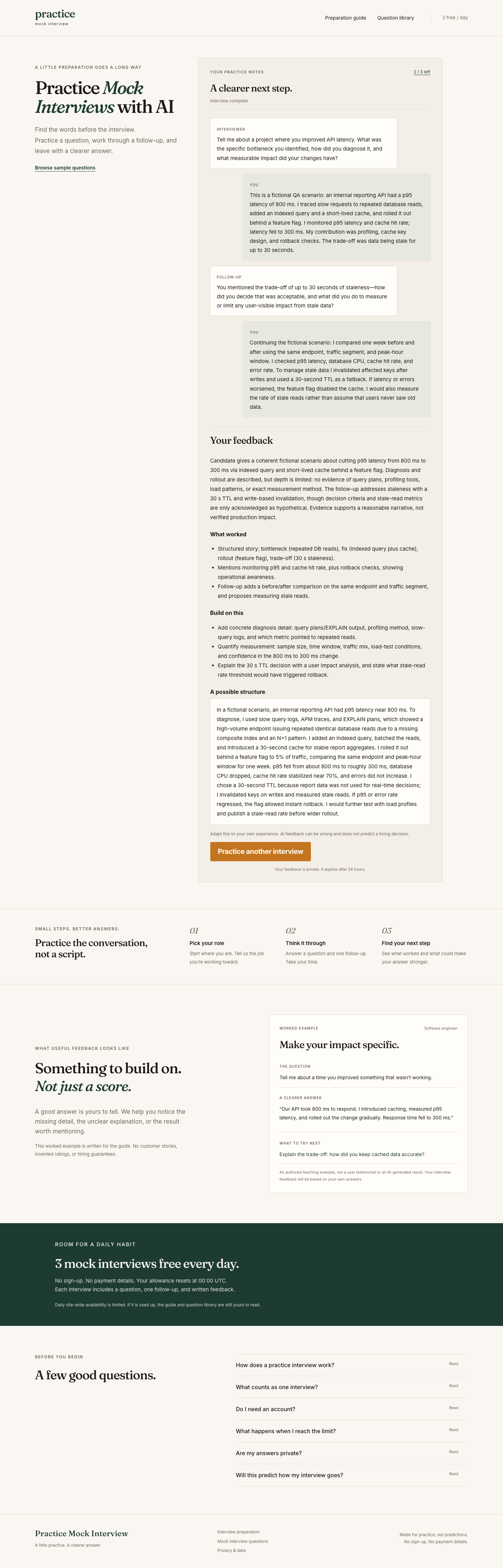
Make your impact specific.
The question
Tell me about a project where you improved API latency. What was the specific bottleneck you identified, how did you diagnose it, and what measurable impact did your changes have?
What worked · excerpt
Structured story: bottleneck (repeated DB reads), fix (indexed query plus cache), rollout (feature flag), trade-off (30 s staleness).
What to build on · excerpt
Add concrete diagnosis detail: query plans/EXPLAIN output, profiling method, slow-query logs, and which metric pointed to repeated reads.
Read the full conversation and feedback
Fictional practice answer
This is a fictional QA scenario: an internal reporting API had a p95 latency of 800 ms. I traced slow requests to repeated database reads, added an indexed query and a short-lived cache, and rolled it out behind a feature flag. I monitored p95 latency and cache hit rate; latency fell to 300 ms. My contribution was profiling, cache key design, and rollback checks. The trade-off was data being stale for up to 30 seconds.
AI follow-up question
You mentioned the trade-off of up to 30 seconds of staleness—how did you decide that was acceptable, and what did you do to measure or limit any user-visible impact from stale data?
Fictional follow-up answer
Continuing the fictional scenario: I compared one week before and after using the same endpoint, traffic segment, and peak-hour window. I checked p95 latency, database CPU, cache hit rate, and error rate. To manage stale data I invalidated affected keys after writes and used a 30-second TTL as a fallback. If latency or errors worsened, the feature flag disabled the cache. I would also measure the rate of stale reads rather than assume that users never saw old data.
Feedback summary
Candidate gives a coherent fictional scenario about cutting p95 latency from 800 ms to 300 ms via indexed query and short-lived cache behind a feature flag. Diagnosis and rollout are described, but depth is limited: no evidence of query plans, profiling tools, load patterns, or exact measurement method. The follow-up addresses staleness with a 30 s TTL and write-based invalidation, though decision criteria and stale-read metrics are only acknowledged as hypothetical. Evidence supports a reasonable narrative, not verified production impact.
What worked
- Structured story: bottleneck (repeated DB reads), fix (indexed query plus cache), rollout (feature flag), trade-off (30 s staleness).
- Mentions monitoring p95 and cache hit rate, plus rollback checks, showing operational awareness.
- Follow-up adds a before/after comparison on the same endpoint and traffic segment, and proposes measuring stale reads.
Build on this
- Add concrete diagnosis detail: query plans/EXPLAIN output, profiling method, slow-query logs, and which metric pointed to repeated reads.
- Quantify measurement: sample size, time window, traffic mix, load-test conditions, and confidence in the 800 ms to 300 ms change.
- Explain the 30 s TTL decision with a user impact analysis, and state what stale-read rate threshold would have triggered rollback.
A possible structure
In a fictional scenario, an internal reporting API had p95 latency near 800 ms. To diagnose, I used slow query logs, APM traces, and EXPLAIN plans, which showed a high-volume endpoint issuing repeated identical database reads due to a missing composite index and an N+1 pattern. I added an indexed query, batched the reads, and introduced a 30-second cache for stable report aggregates. I rolled it out behind a feature flag to 5% of traffic, comparing the same endpoint and peak-hour window for one week. p95 fell from about 800 ms to roughly 300 ms, database CPU dropped, cache hit rate stabilized near 70%, and errors did not increase. I chose a 30-second TTL because report data was not used for real-time decisions; I invalidated keys on writes and measured stale reads. If p95 or error rate regressed, the flag allowed instant rollback. I would further test with load profiles and publish a stale-read rate before wider rollout.
This AI suggestion introduces illustrative details beyond the original answer. Use only details that match your own experience.
Generated with DeepSeek · September 29, 2026.
Excerpts and expanded output are reproduced as generated. AI feedback can be wrong and does not predict a hiring decision.